
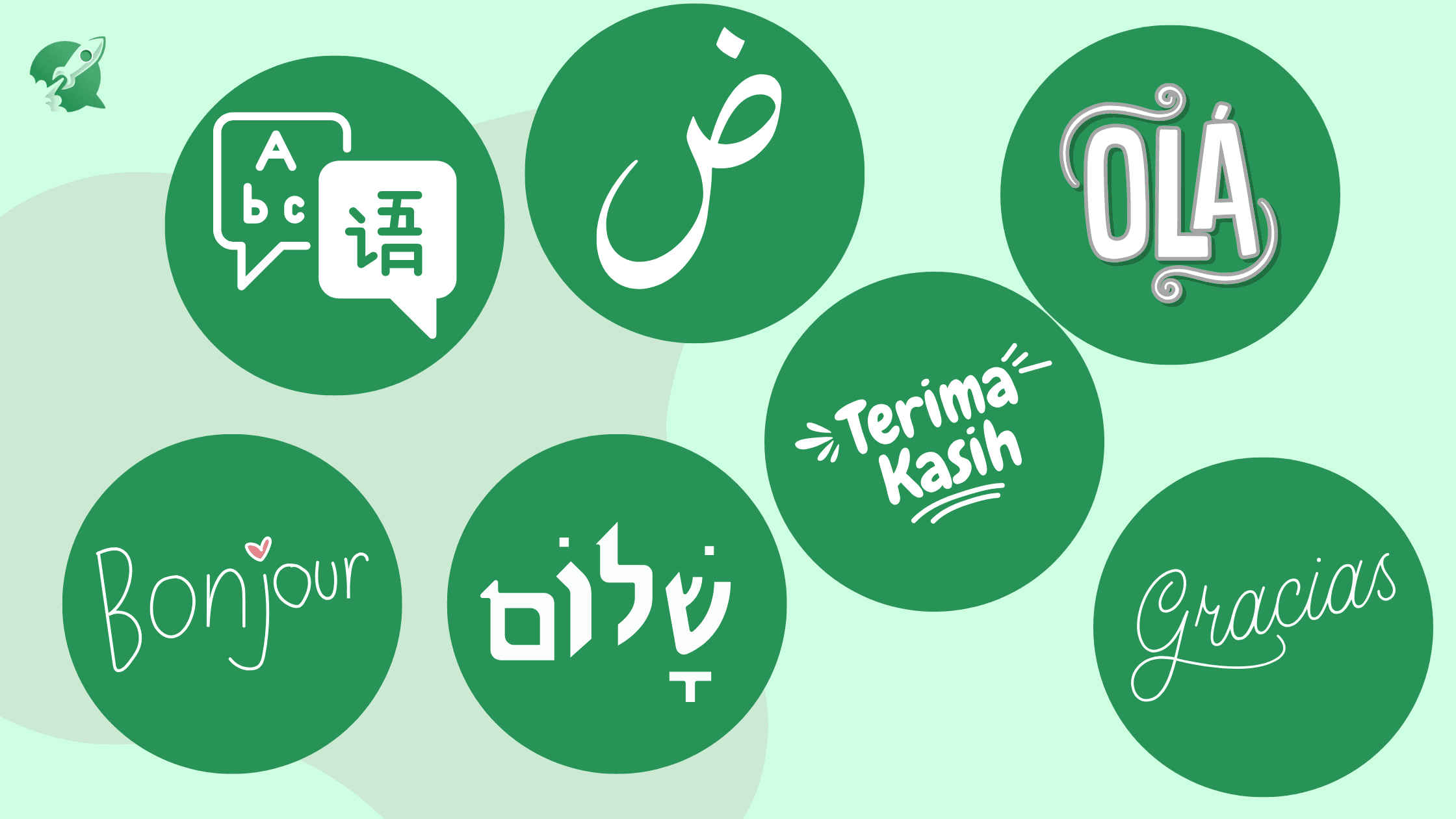
WhatsApp Web is a must-have device for communicating. But how would you customize your experience by having it available in your preferred native language? WAWCD has a new feature that lets you toggle between 10 languages which makes the experience of chat more enjoyable and easy to use! If you're a professional, a student, or someone who prefers talking in their home spoken language, this feature was made to ensure that your chat experience is effortless.
This blog post will explain how you can improve your WhatsApp experience using this advanced feature
Why Multi-Language Support Matters?
Some people are not familiar with to use WhatsApp to communicate in English. Because it supports multiple languages, WAWCD increases access to digital messaging and makes it effortless for users all over the world. No matter if you're using Spanish, Arabic, Chinese, or Urdu you're able to get a faster and more customized user interface.
It Is Especially Beneficial To:
- Businesses talking to clients using their native languages.
- Tourists who regularly switch the various languages.
- Multilingual user who use different languages for their personal and professional chats
🈯 Languages Supported by WAWCD
This is the full list of languages you are able to switch and can communicate in these languages:
- English
- Spanish
- Portuguese
- Arabic
- Hebrew
- French
- Russian
- Chinese
- Turkish
- Urdu
The wide range of options ensures WAWCD is able to serve an international population which makes WhatsApp easier and more accessible to use even for people who don't speak English.
🔁 How to Change Your Language in WAWCD?
Moving languages with WAWCD is extremely simple! Take these easy steps:
- 🛂 Visit the Dashboard - Download the WAWCD whatsapp chrome extension, then go to the primary dashboard.
- 🔣 Select Languages - This option is under the menu to the right.
- ℹ️ Choose Your Language of Choice - The drop-down menu will be displayed with 10 different languages.
- 🆗 Select and confirm - After selecting your browser will automatically be changed to the selected language.
- 🔡 You can enjoy a customized experience - The settings including menus, settings, and other features will be shown in the language you choose.
That's it! Have fun with WhatsApp in the language you prefer.
The Default WhatsApp Version in Comparison to. The Multi-Language Features of WAWCD
| Feature | Default WhatsApp | WAWCD |
|---|---|---|
| 1. Number Of Langauges | Limited | 10 |
| 2. Easy Language Switch | No | Yes |
| 3. Support Non-English Users | Basic | Advanced |
| 4. Enhanced User Experience | Maybe | Confirmed |
Contrary to WhatsApp's default settings WAWCD offers an easy way to change between languages without the need for plugins or complicated configurations.
Additional Features You'll Love
Beyond language customization, WAWCD offers extra features including:
- 💣 The Power Buttons Save contacts, begin conversations, transfer messages, and make notes with ease.
- 🕶 Privacy Control Blur contacts' names, pictures, and messages for greater security.
- 🫂 User-Friendly Interface A straightforward user-friendly dashboard designed to facilitate navigation.
- 🙋♂️ One-Click Access You can change settings in one click, with no need for complicated configurations.
- 🎶 Continuous Sync The settings for your language remain consistent across all the devices.
Final Thoughts
With WAWCD's 10-language support, it is now possible to use WhatsApp web using the language that you're most comfortable with. No matter if you're a student, professional or just a casual user, this option provides an improved and personal communication experience.
It is a game changer for those looking to transcend boundaries in their language and make conversations more natural and fluid. This allows an individualized approach to communications, so that everybody irrespective of what language they speak, will be in touch seamlessly.


